Every day we offer FREE licensed software you’d have to buy otherwise.

Giveaway of the day — Vov Sticky Notes 8.2.0
Vov Sticky Notes 8.2.0 was available as a giveaway on December 9, 2022!

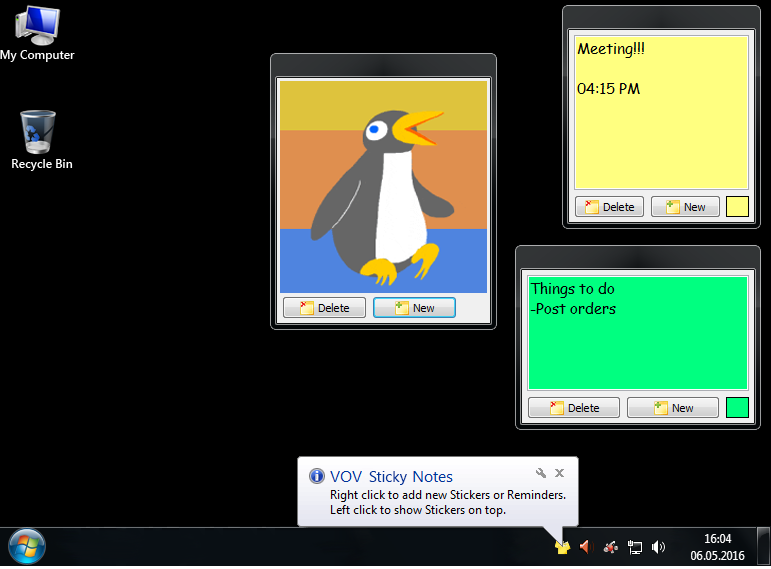
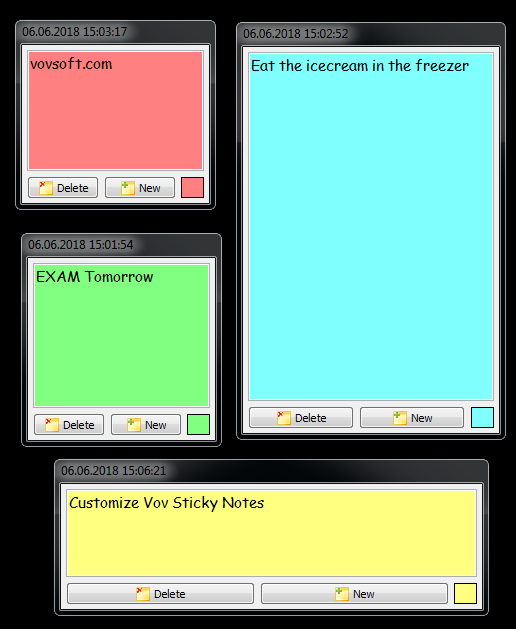
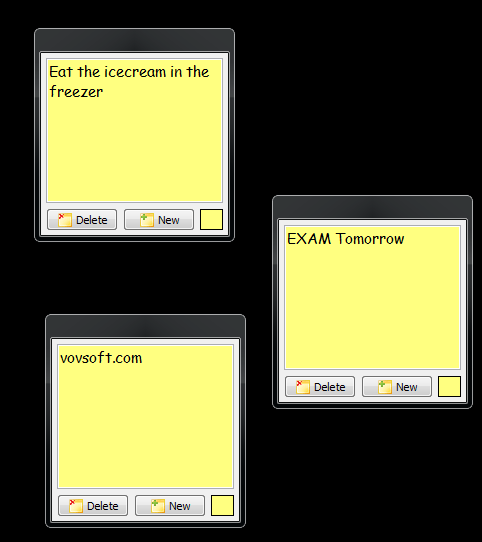
For many people, the desktop is simply the place where shortcuts and icons are located, without any real functionality. Nonetheless, you can benefit from all the empty space on your desktop by adding post-its, and Vov Sticky Notes is one of the apps that can help you do that.
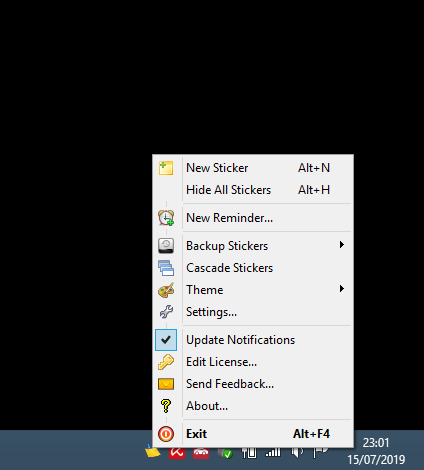
Once you install it on your PC, the application automatically goes to the system tray, and you can right-click its icon when you want to create a new note. It basically opens a resizable window where you can paste text or start typing some of your important tasks. In addition to text, you can paste images and screenshots from clipboard. You can also drag and drop image files.
Another handy function of Vov Sticky Notes is that you can create reminders to be displayed on a regular basis. You only need to choose the frequency interval, and then enter an appropriate message.
System Requirements:
Windows 11/ 10/ 8.1/ 8/ 7/ Vista/ XP
Publisher:
VovsoftHomepage:
https://vovsoft.com/software/vov-sticky-notes/File Size:
4.96 MB
Licence details:
Lifetime, no updates
Price:
$19.00
GIVEAWAY download basket




Comments on Vov Sticky Notes 8.2.0
Please add a comment explaining the reason behind your vote.

iPhone app giveaways »





Android app giveaways »





After using only today, I'd like to see a couple of button adds to the stickies themselves...
A copy, copy all, and paste buttons.
A Hide and "always on top" buttons.
My primary use is to pull citation data from web pages to use on either other web pages, or to paste into other documents.
The above buttons would facilitate that without the need to constantly visit the tray and right-click the needed service from the icon.
Save | Cancel
I had an issue installing as I had an earlier version installed so I downloaded the OTHER of todays offerings from GOTD namely HARDiNFO 8 PRO - clicked on 'Programs' deleted the old copy, then installed the newer version.
Good result all round.
Save | Cancel
Is there a portable version?
Save | Cancel
Is there any real benefit to using this over the built-in sticky note app in Windows?
Save | Cancel
Mike,
Reminders, for example.
Save | Cancel
Mike, it's more robust, in that it has reminders, more colors, lock on top, time stamp, and it's free. What do you have to lose?
Save | Cancel
Installed fine. Looks nice.
Save | Cancel
In previous version, its database file was deleted at the first power off.
(PC was in sleep mode, ups holded for 20 minutes or so, then power cut off).
After turning on at next time, the database was empty.
Probably the opened file was ruined.
Dont want to reinstall again until this is fixed somehow, I have often power offs at my area.
Save | Cancel
Nektarsoft, I know it's a pain, but the program does have backup option in the main menu.
Save | Cancel
I am getting this error, Setup has deducted that Voc Sticky Notes Currently Running.
I dont have this software on my lap. How to fix this error.
Save | Cancel
Naseem, on the Taskbar or in the Quick Launch Section (Lower Right Corner of the Task bar) you will see the icon (Note Pad) for Vov Sticky Notes / Right Click on the Icon - which will bring up a menu list - Select EXIT (Bottom of List) and Left Click to Close down the program / Then Install New Version!
Save | Cancel