Every day we offer FREE licensed software you’d have to buy otherwise.
Giveaway of the day — Softdiv PDF Split and Merge 1.0
Softdiv PDF Split and Merge 1.0 was available as a giveaway on January 13, 2022!

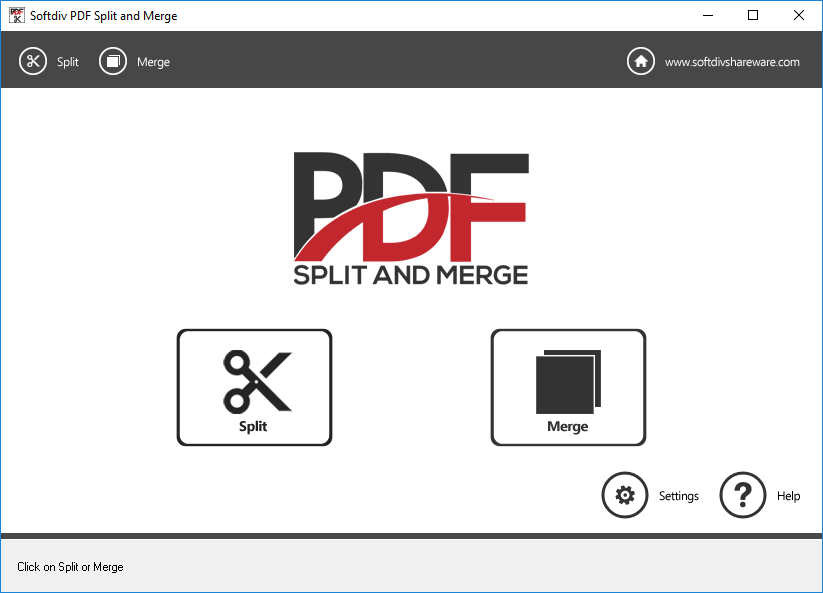

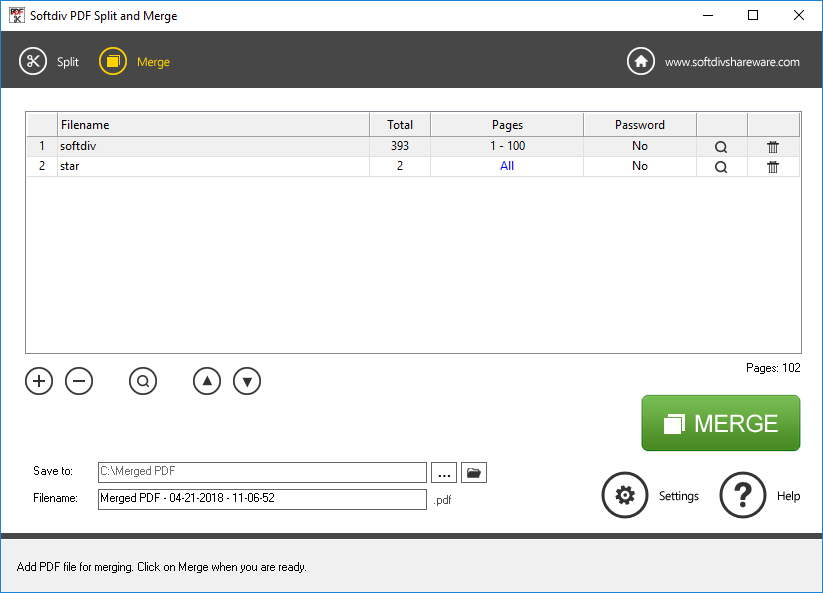
Softdiv PDF Split and Merge is a PDF software that allows you to easily split and merge PDF files in just a few steps. The program allows you to merge unlimited number PDF documents as a single PDF file in batch mode.
One can specify to merge all pages or just a selected page range. Softdiv PDF Split and Merge also allows you to split and break a large PDF file into multiple smaller parts. It supports multiple types of splitting methods (Split into single-page PDF file, Delete unwanted pages, Delete unwanted page ranges and Split by group of pages) to accomplish different types of splitting goals.
There's built in PDF Reader, which allows you to preview PDF files before you split or merge. In addition, this program also capable of processing password-protected PDF documents. There are also options for settings the password, title, author, creator, and subject values for the split or merged PDF files.
System Requirements:
Windows XP/ Vista/ 7/ 8/ 10/ 11 (x32/x64)
Publisher:
Softdiv Software Sdn BhdHomepage:
http://www.softdivshareware.com/pdf-split-merge.htmlFile Size:
7.7 MB
Licence details:
Lifetime, no updates
Price:
$25.00
Featured titles by Softdiv Software Sdn Bhd
Special Offer to GOTD: 56% OFF ($19.60) Dexster is a perfect audio editor tool for your music production that supports many popular audio formats. Dexster allows to edit an audio file visually; apply effects; Insert noise and silence; Vocal Reduction;Mix Stereo;Insert marker; Apply filters; Record audio file; Convert audio from one format to another; Extract audio from video.Dexster supports WAV, MP2, MP3, M4A, AAC, FLAC, VOX, Audio CD, WMA, RAW audio, MPC, AVI, Ogg, G.721, G.723, G.726, AIFF, AU.
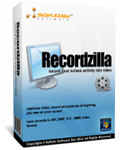
Special Offer to GOTD: 60% OFF ($11.95) Recordzilla is screen recorder software that lets you capture video, audio and pictures of anything you see on your computer screen and save it as video AVI, WMV, Flash SWF, or Flash FLV. You can use Recordzilla to record the entire desktop, active windows, autopan, any portions of the screen, mouse cursor's movement, menus, games, and even video with sound.
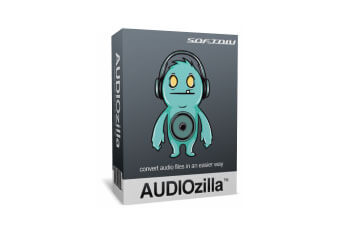
Special Offer to GOTD: 60% OFF ($11.95) Audio converter software that works via right-click. Just right-click any audio files on Windows Explorer, Audiozilla can instantly convert audio MP3, WAV, AC3, OGG, WMA, FLAC, AAC, M4A, APE, VOX, VOC, AIFF and more to other formats.
GIVEAWAY download basket




Comments on Softdiv PDF Split and Merge 1.0
Please add a comment explaining the reason behind your vote.

iPhone app giveaways »





Android app giveaways »





Horrible results with a merge. The pages don't look anything like the originals.
Save | Cancel
Did not work properly me. Uninstalled it after trying many times to get it to work right,
Save | Cancel
I have a pdf file with a lot of empty spaces. I wanted to remove the empty spaces and compact the pdf. Unfortunately, this program cannot do that.
I want to be able to select the empty areas, delete them and make the text move up to fill the voids.
Can someone help ?
Many thanks
Save | Cancel
It is not clear to me what mean... I have a book scanned flat (2 opposite pages in one). Can this program split them so that I can view only single pages on the screen?
Save | Cancel
correction:
It is not clear to me what mean...
Save | Cancel
strange, my phrase is omitted:
It is not clear to me what Split into single-page PDF file mean...
Save | Cancel
Works great, Thanks.
Save | Cancel
Ken Hatchell, you can use ctrl_C and ctrl-V to transfer PDF pages you want to keep to any word processor. That works great for me too.
Save | Cancel