Every day we offer FREE licensed software you’d have to buy otherwise.
SyncBird Pro 3.4.2 was available as a giveaway on April 5, 2021!


NB: To activate the offer, please, follow the instructions carefully: Unzip the package you`ve downloaded and install the software by running Setup.exe,
then press 'Activate'-->'Enter license code'--> input the key from README file and click 'Enter license code' again to register the software.
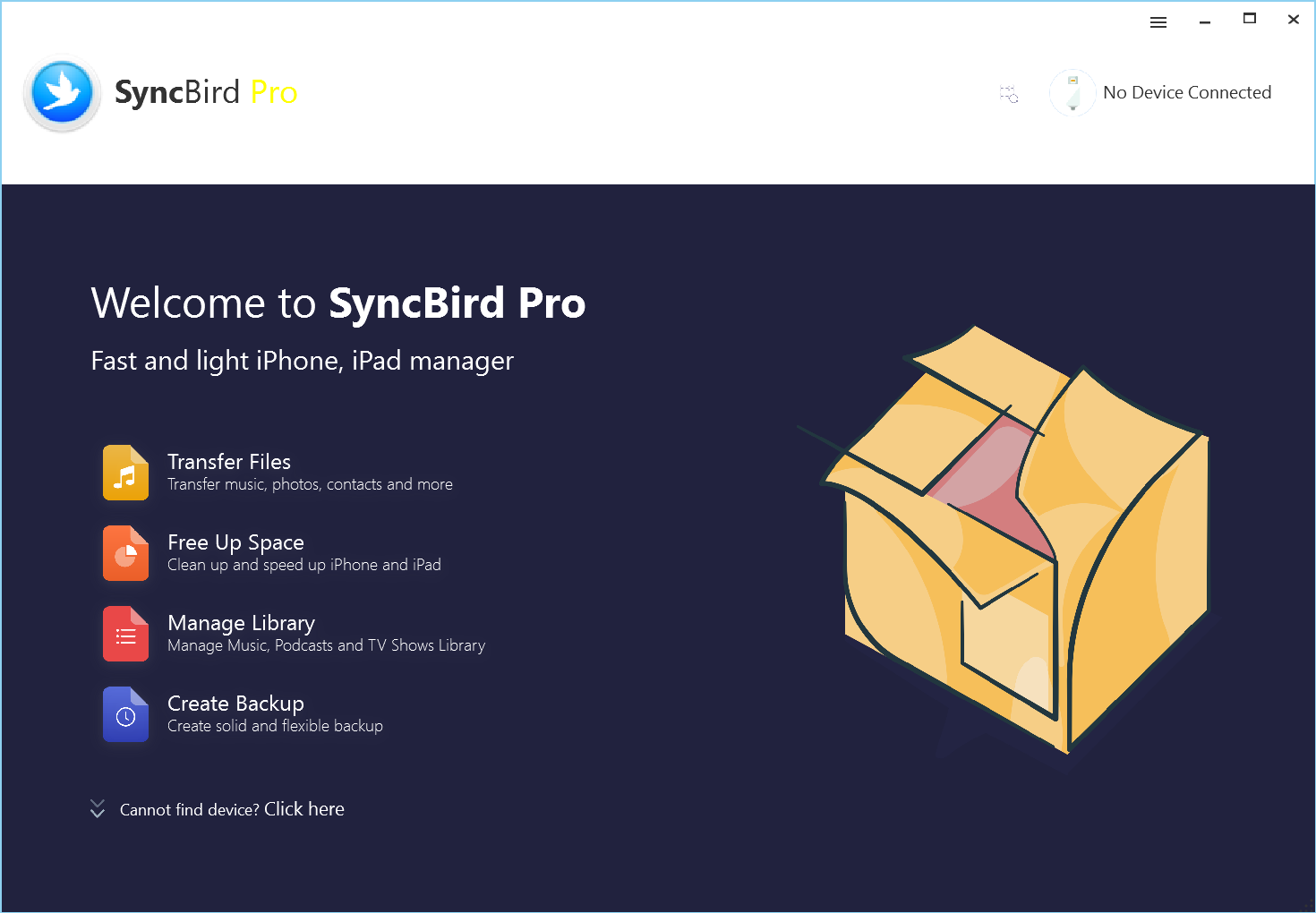
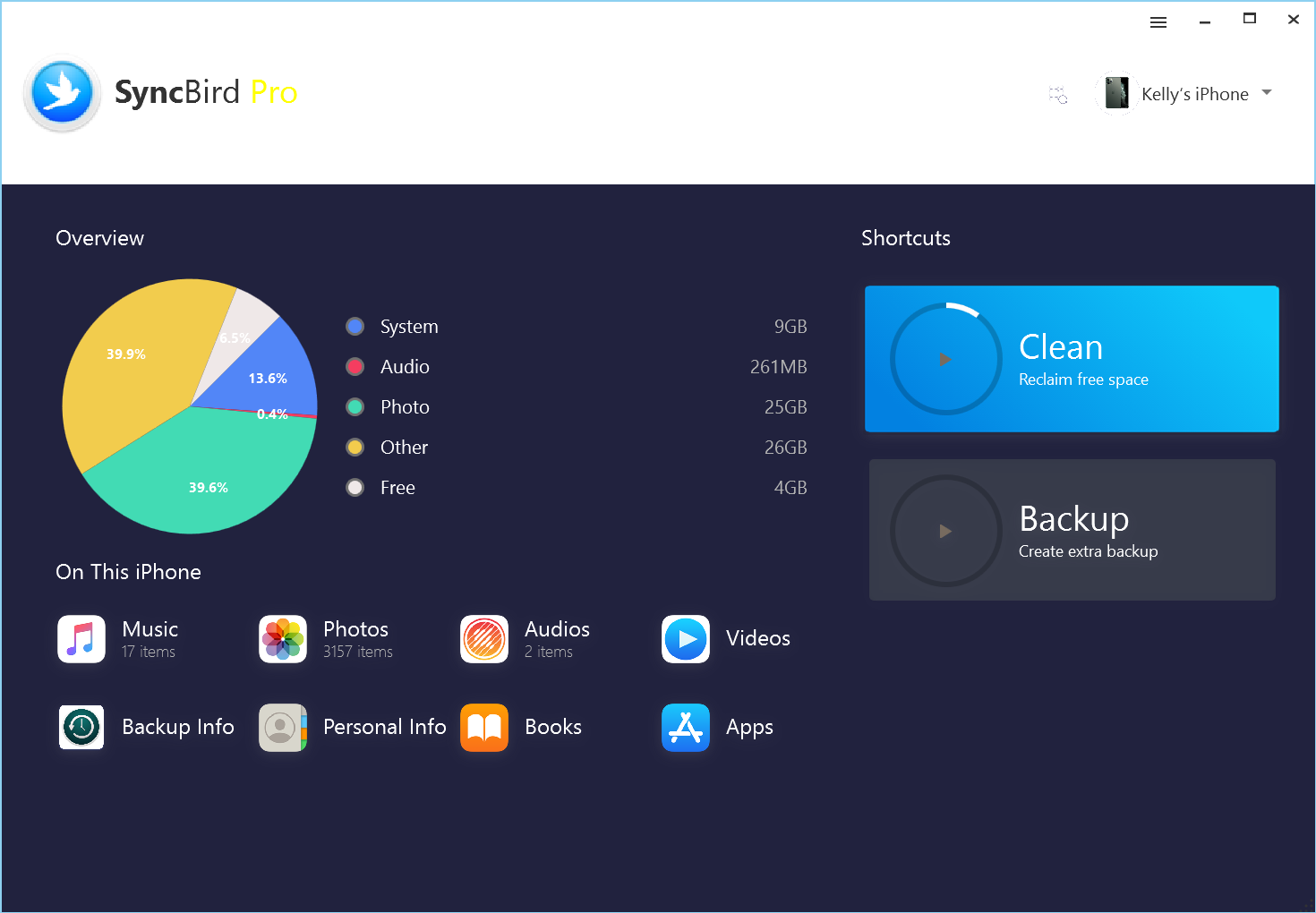
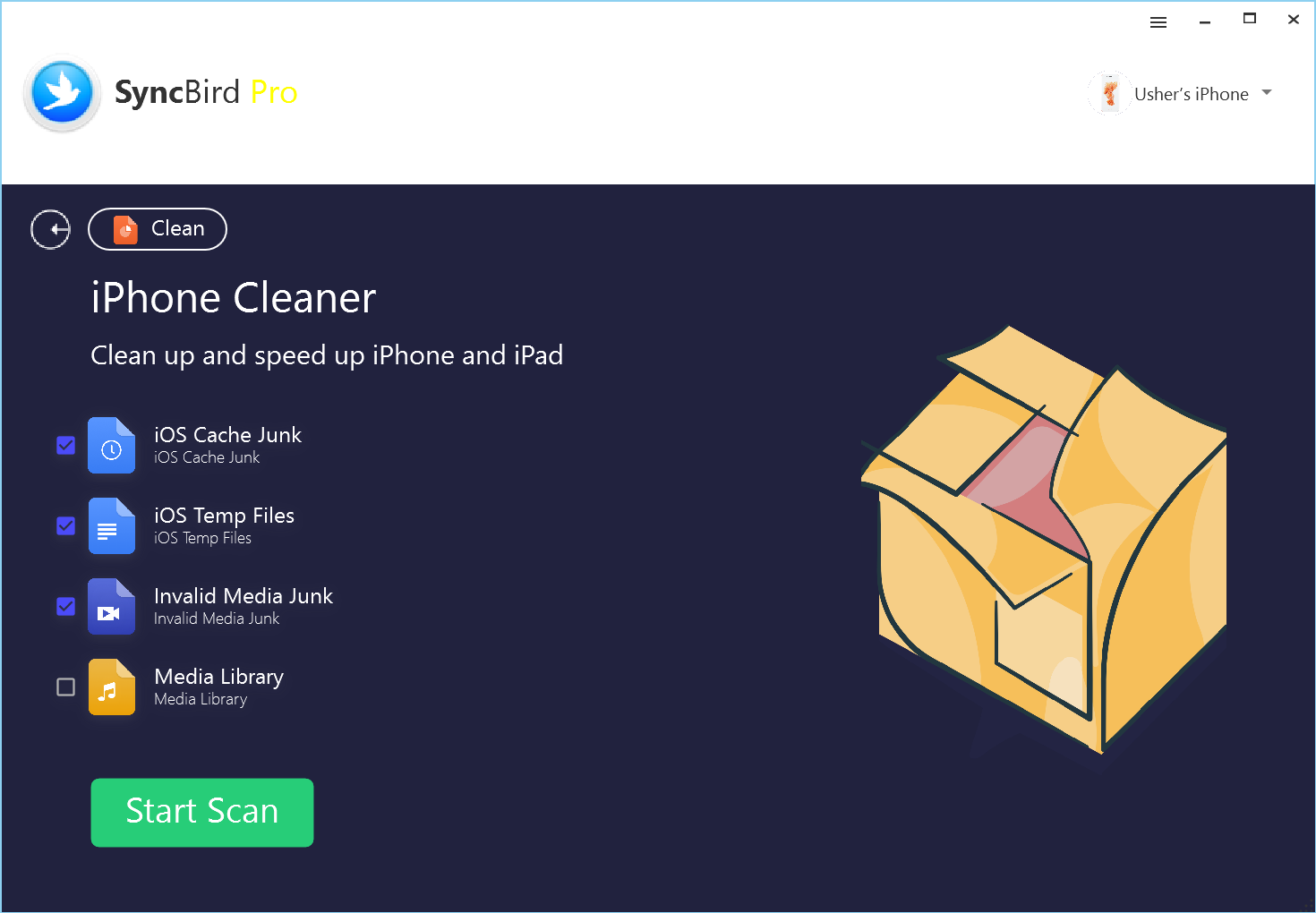
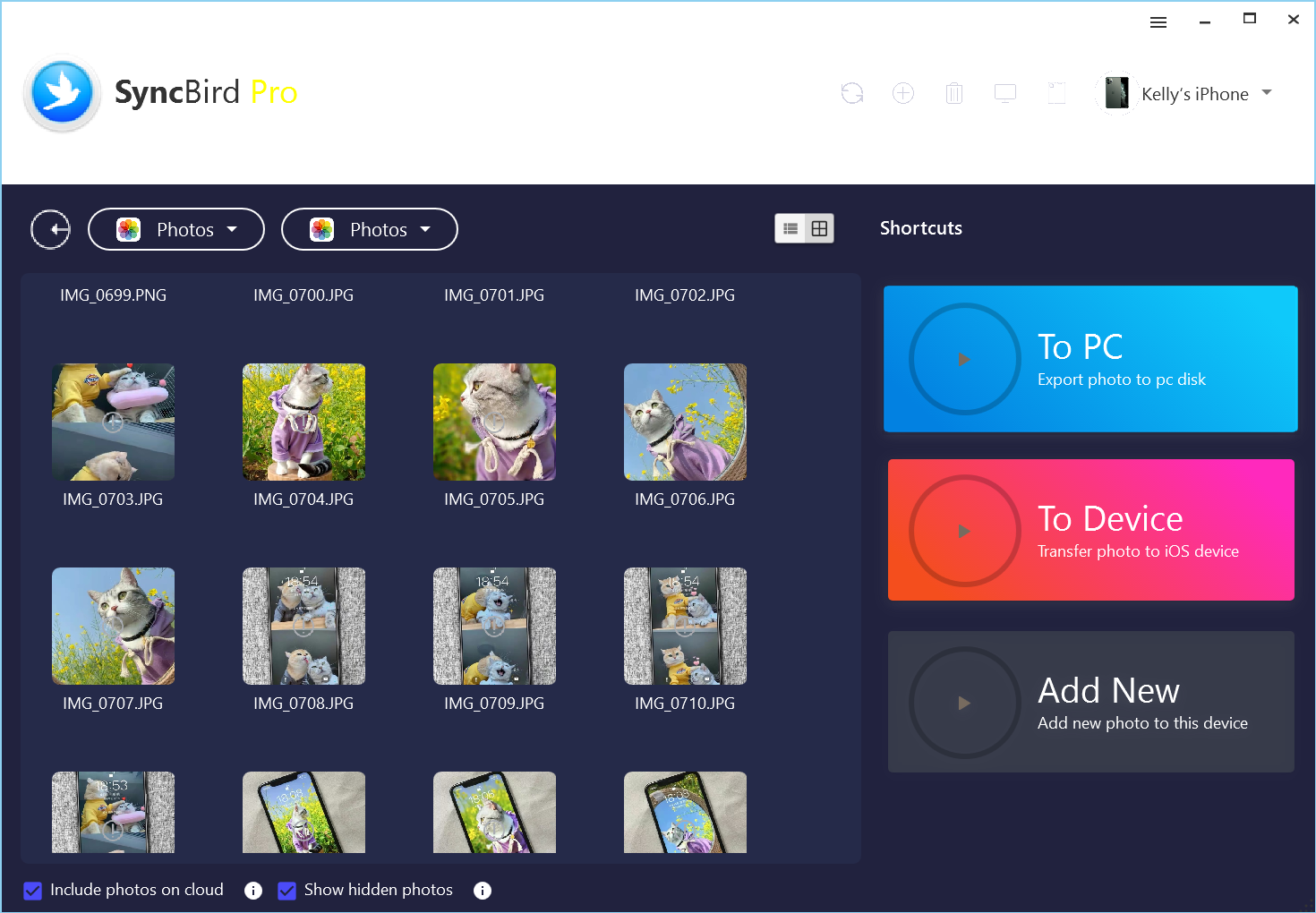
SyncBird Pro is a smart alternative to iTunes that puts iPhone Music/Photo Transfer, iPhone File Manager, iPhone Backup and iPhone Cleaner, all in one place. No matter you want to transfer your iPhone, iPad or iPod music, photos, text messages, contacts or any kind of iOS data, SyncBird Pro is the way to go.
What Can SyncBird Pro Do:
- Sync Music
- Transfer Photo
- Save Contacts
- iPhone To Mac
- iPhone To iPhone
- iPhone Backup
- Backup Explore
- iPhone Cleaner
System Requirements:
Windows 7/ 8/ 10; Supported Language: English
Publisher:
MiniCreoHomepage:
https://www.minicreo.com/syncbird/File Size:
Licence details:
1 year with updates
Price:
$29.99
Featured titles by MiniCreo
Omni Recover: iPhone data recovery software made for retrieving deleted photos, text messages, contacts, notes and other iOS data from iPhone, iPad and iTunes backup.
Fix My iPhone: iOS system recovery software that can fix a variety of common iPhone software problems.
GIVEAWAY download basket




Comments on SyncBird Pro 3.4.2
Please add a comment explaining the reason behind your vote.
iPhone app giveaways »





Android app giveaways »





Is there a similar program for Android Phones?
Save | Cancel
"Pretty" over function, oh well.
Endlessly crashes for me trying to clean iOS temp files ( Windows 7 64 Pro, iPhone 6 with iOS 12.5.2 )
Backups creates new directories (1), (2), and so on, for each group of items, I guess I'll manually put all 8 of those directories together after backing up everything.
It sees phone messages but can't back them up, I presume they are in the cloud, not on the phone.
Phone number backup does NOT also export sound settings, or export block-status settings, and contains weird characters and codes.
And, sadly, there does not seem to be any tool for putting backed-up items back onto the phone, so what's the point if I can't put the backed-up data back on a phone?!?
Ok, this is only version 3, they've only been working on this since 2016, and they have a long way to go.
Good luck, MiniCreo, please keep developing, and go for function over prettiness, please.
.
Save | Cancel
Hi Peter,
Thank you for using and commenting on our SyncBird Pro and we appreciate your feedback.
I’m Kelly Woods from MiniCreo, a nimble software development team (two men exactly, one for developing FOUR product lines, running on Windows OS and macOS; the other [ME] is for marketing and designing). We understood it might be pointless to pursue too much goals at the same time without bringing satisfactory result, however, we just want to make the scratch first and improve the details later. We known we cannot move any further without the help of concerned users that’s why we value your feedback so much.
The reason we believe Our SyncBird Pro is mature enough and ready for getting “promoted” on GOTD is that it’s now in version 3.4 and has been improved based on every release of iOS / Windows OS software and iPhone/iPad hardware update.
In regard of your feedback:
1)Endlessly crashes for me trying to clean iOS temp files ( Windows 7 64 Pro, iPhone 6 with iOS 12.5.2 )
-- Since the beginning of 2020 (the time MicroSoft ended support on Windows 7), we gradually overlooked Windows 7/XP OS and made limited tests on it. But we're willing to open a new test environment again to conquer this issue. We built a program error reporting utility in our SyncBird Pro so if possible, would you please click Send Us Log File in Menu, which may help us find a solution soon.
2)Backups creates new directories (1), (2), and so on, for each group of items, I guess I'll manually put all 8 of those directories together after backing up everything.
-- The current Backup feature in SyncBird Pro is in its fledgling stage but we do have huge ambition on it. So far we focus on creating basic backup and then allowing SyncBird Pro to explore your backup content. This way, you can get these backed up files from iPhone, iPad device to your computer without restoring your device. For sure we will add iPhone Backup Restoration, Wireless/Automatic Backup, Partial and Selective Backup features in near future.
3)Phone number backup does NOT also export sound settings, or export block-status settings, and contains weird characters and codes.
-- This is the feature we ignored and thank you for reminding us of this. We’ll make some demos to see if it’s possible to get these settings out.
We founded MiniCreo since 2016. We understood it might be indifferent to most of you, but to our careers and families, it means all. That’s why we have full confidence in this nimble project. :)
At last, thank you again for trying our SyncBird Pro and we appreciate all your feedback.
Best Regards,
Kelly Woods
MiniCreo Team
Save | Cancel
Crashes when trying to run
Save | Cancel
Does it work with Ipods please?
Save | Cancel
In response to [ Paul Paxo ], who asked, "... Does it work with Ipods please? ..."
It's free, so download it, install it, try it, and you tell us.
PS - Did you notice the word "iPod" in the description above? ;-)
.
Save | Cancel
Does this software manage applications as well? Prior to iTunes version 12, you could manage your apps on iOS devices and backup the individual apps themselves. I am looking for a way to manage apps no longer in the app store as they haven't been converted to 64bit. So I have an app running an older version of iOS that has a 32 bit app and want to backup the app and all save states/progress that was made in the game and restore it to another iOS device with the same iOS version. Would this software allow that?
Save | Cancel
In response to [ Stacey ], who asked, "... Does this software manage applications as well? ..."
It's free, so download it, install it, try it, and you tell us.
I found yes and no, where yes, it promises to install an IPA or PXL app that we have saved somewhere on our PC, but no, it does not offer to backup apps to the PC.
This does not appear to be an all-purpose tool, not even a fully self-integrated tool, but only one tool among many others we may need and use in our tool kit, taking advantage of the one or two things each separate and different tool provides, for example, this can backup some stuff, but not restore it, this promises to install apps, but not back them up.
This appears to be a product that is periodically released in hunger to get some cash flow, even though the programmers have not figured out each task and function fully yet - they've only been at it for 5 years, we'll see how they develop in the future.
Even Adobe couldn't get Photoshop workable until v5, and even then there were tons of other people's add-ons to add functions that Adobe could not yet figure out.
.
Save | Cancel
Code does not work for Mac Version:-(((
What Can SyncBird Pro Do:
- iPhone To Mac
how should this work???
Save | Cancel
TK,
well i seee it is only for windows, but in the descrption i see "iphone to mac"... how should this work with a programm running on a pc not a mac?????
Save | Cancel