Every day we offer FREE licensed software you’d have to buy otherwise.
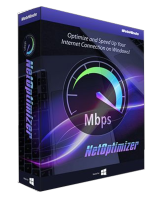
Giveaway of the day — NetOptimizer 6.1.0.18
NetOptimizer 6.1.0.18 was available as a giveaway on March 22, 2024!

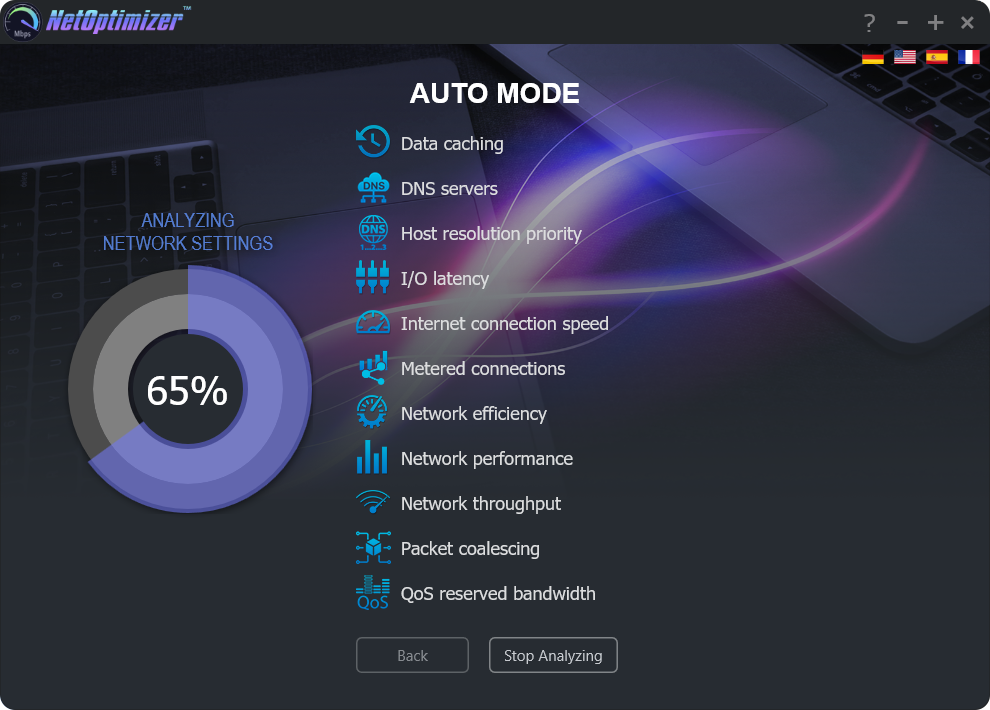
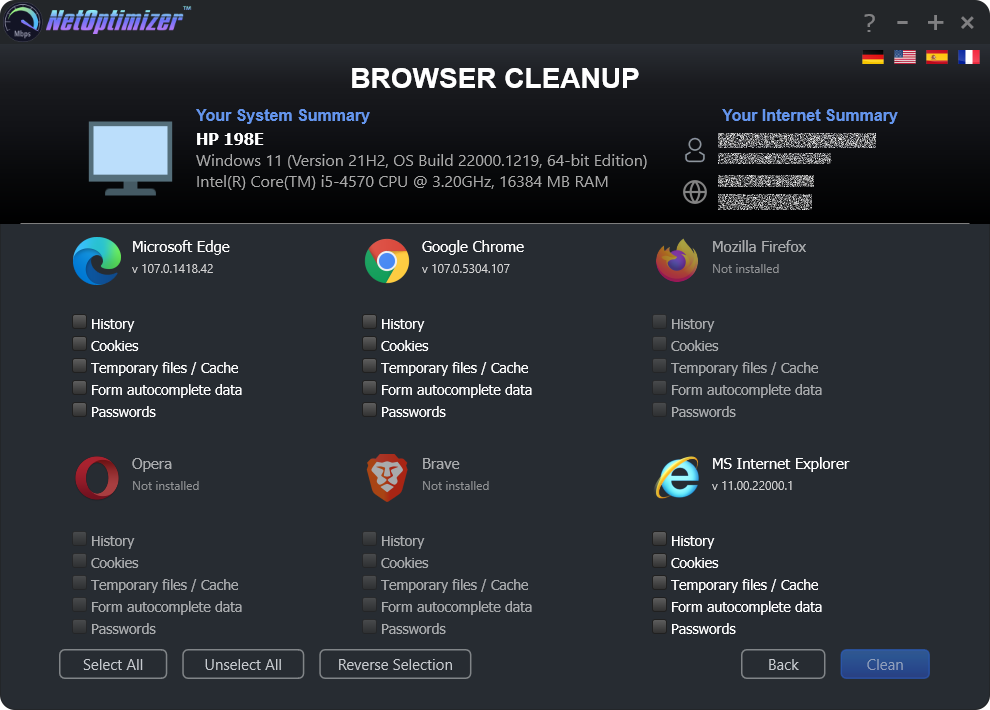
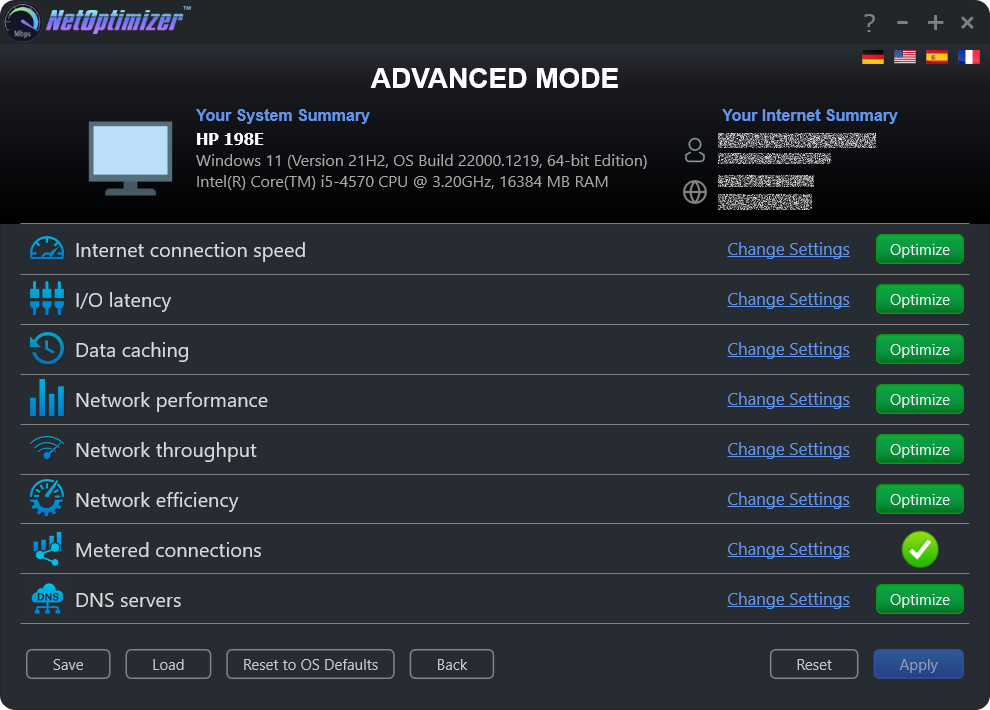
Give your slow Internet connection the speed and power you deserve! With NetOptimizer, you’ll finally get what you’re paying for and enjoy the Internet at maximum available speeds as promised by your ISP. NetOptimizer uses advanced techniques to speed up and optimize Internet connection on your PC. With NetOptimizer you’ll be able to optimize your Internet settings allowing you to recognize your highest Internet speed. Whether you’re connected with a cable, Wi-Fi, or mobile broadband, NetOptimizer will help!
System Requirements:
Windows XP SP3 or newer; 1 GHz CPU (both 32-bit and 64-bit platforms supported); 128 MB RAM; 32 MB disk space; Screen size of 1024×768 or larger
Publisher:
WebMindsHomepage:
https://www.netoptimizer.com/File Size:
9.44 MB
Licence details:
1 year license
Price:
$29.95
GIVEAWAY download basket




Comments on NetOptimizer 6.1.0.18
Please add a comment explaining the reason behind your vote.
iPhone app giveaways »





Android app giveaways »





Dear GOTD users,
the registration page is working fine if you follow the simple steps.
Please make sure that you use the same browser for the archive request and key request and that your browser saves cookies. Also please request the key and don't close the previous download page in your browser during the page visit.
GOTD team
Save | Cancel
Installed & Activated easily enough.
Speedtest averaged over 4 tests each of before/after showed a DECREASE to 52% of Download speed from before NetOptimizer to after, Upload unaffected. Worse was that I accepted NetOptimizer's offer to Create a Restore Point, which it DID NOT DO. Fortunately, using my own Restore Point from 5 days earlier saved me the time of Uninstalling NetOptimizer!
Didn't work for me; YMMV!!
Save | Cancel
The program installed easily enough, but it produced no improvement in my Internet speed. Actually, it slowed it down a little. Uninstalled.
Save | Cancel
Great program. I've got about 10% internet speed improvement after using Auto Mode.
Save | Cancel
Installed on Win 11 with no problems...
Will get back to you upon review.
Thanks GOTD... worth a try...
Save | Cancel
Installed on a Win 10 Pro ThinkPad. Ran before and after speed tests. After selecting Auto Mode, found no substantive difference maybe because my network/internet connection settings were already optimized. Was still worth the try.
Save | Cancel
I run a separate modem and router. Sometimes there the provider (isp) does a bit of work on the service and though I still have connection, it slows to about 1/3 of the original speed. At that time I need to pull the power from both units for about 30 seconds and plug them back in. There are speed test you can use to determine the speed before and after any modification. (I'd recomment www.speedtest.net)
Save | Cancel
I ran the Ookla speed test with the Net Booster and got 223.43 then I used the speedtest.net TCP Optimizer ran the test again and got 258.43. Both were run on Enzu.net.
Save | Cancel
Installed without any problems.
The only real problem I see is that my own Speedtest consistently shows a download speed between 60% to 80% lower that the one presented by the NetOptimizer speed test. Running both tests toguether or in sequence.
And this weird, VERY WEIRD!!!!
Running the tests with a VPN
mario
Save | Cancel
Got it 4th try ! Successfully submitted.
The activation code was also sent to the given email address.
Check your inbox and spam folders.
Save | Cancel
I did not have a good outcome. I downloaded and registered just fine. However, when I ran the program I ran the speed test. Download was 215.1Mbps upload was 23.6 Mbps & ping was 28. I rebooted as it said.
Then I ran the other programs cleaning and optimizing. Now the download is 93.1 Mbps Uupload was 16.2. Ping was 27. I have Comcast's Xfinity as my internet provider. Why did it lower everything, how do I fix it or does it need to be fixed? I'm confused! lol, Thank you :)
Save | Cancel
Marshell Wooley,
Speedtest.net measures speed by transferring a single, medium size file. If that is your main network usage type, and you consistently see slowdown on multiple tests, try changing the "Optimizing Network Efficiency Settings" back to default.
The program promises to "increase network productivity", not to improve your speedtest.net test results. I recommend you measure its effect with iperf2 https://sourceforge.net/projects/iperf2/ or refer to your empirical browsing/gaming/bittorrent experience.
Speedtest.net does not measure latency using ping (ICMP) packets, and the 1 ms fluctuation between 27 and 28 is perfectly normal when timing with Javascript in a browser.
Save | Cancel
Eventually got key.
No dfference in internet speed unfortunately
Save | Cancel
David,
Network engineer here.
Before you write off this program, I recommend their manual at https://www.netoptimizer.com/user-manual.pdf All of the described methods to increase network speed are legit techniques.
How much increase you get by this program really depends on your ISP, network conditions and your actual computer. It's possible that you feel no improvement (or even decrease your speed), and it's possible that you just double it.
The good thing about this software that you won't lose the improvements if you remove it. Uninstalling won't Reset to OS Defaults settings. It would be better if it was portable though.
Save | Cancel
To get the activation key, you have to enable notifications and click on the "Download Now" button and follow the steps to get the "Download Link" and don't just download the zip. Once it says "Download link will be sent to you", open the link from the txt file and you will be able to fill in the form to get your activation key.
Save | Cancel
Installed on Win 10 system. Checked speed w/ Verizon 5g home internet before and after installation and optimization. After running optimization and reboot as required the download speed increased by almost 80mbps! Nice!! Install was smooth and easy as was obtaining 1yr key code.
Save | Cancel