Every day we offer FREE licensed software you’d have to buy otherwise.
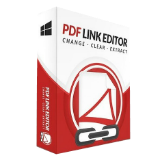
Giveaway of the day — PDF Link Editor Pro 2.5.2
PDF Link Editor Pro 2.5.2 was available as a giveaway on January 8, 2021!

PDF Link Editor is a small and smart application intended to do more for you when hyperlinking a PDF. PDF Link Editor contains the wonderful features that enable you to edit, add, replace, remove and extract PDF hyperlinks in batch mode. With its intuitive and elegant interface design, it is quite easy to access no matter you are a novice or expert.
- All-In-One application. Small and smart.
- Replace hundreds of PDF hyperlinks in one click.
- Add or insert hundreds of hyperlinks to PDF in one click.
- Clear or extract all hyperlinks in one PDF in no time.
- Standalone and run smoothly without any Adobe plugin installed.
- Compatible with all Adobe PDF versions.
System Requirements:
Windows 7/ 8/ 8.1/ 10; Intel Core2 Duo 2.4GHz processor or higher recommended; 256 MB RAM or higher recommended; 50 MB of free disk space
Publisher:
PDF Link EditorHomepage:
https://pdflinkeditor.com/File Size:
30.5 MB
Licence details:
Lifetime
Price:
$29.95
Featured titles by PDF Link Editor
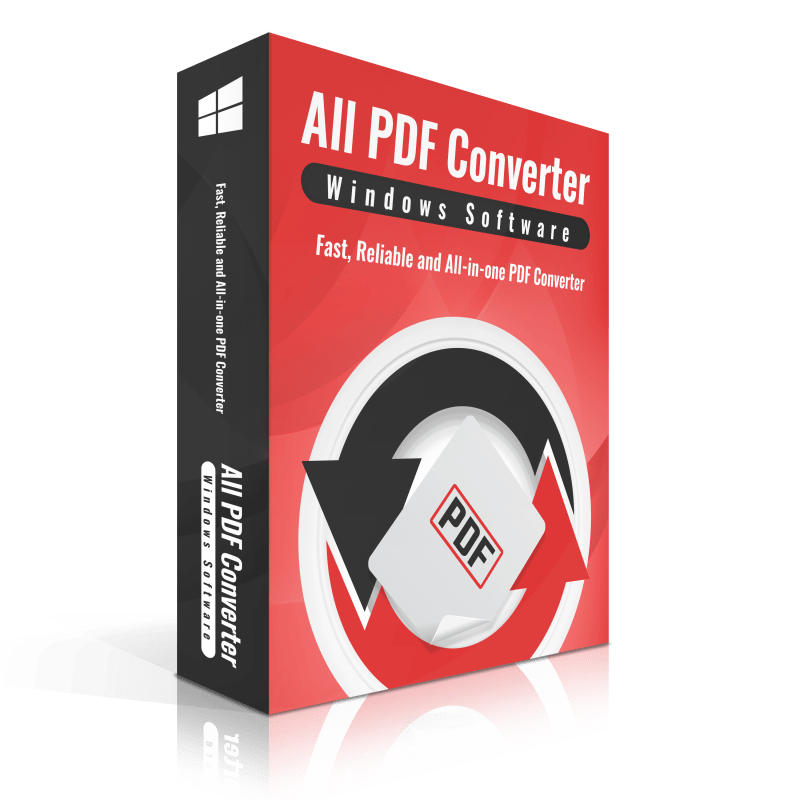
As a comprehensive PDF conversion solution, All PDF Converter will improve your work efficiency with its powerful conversion capabilities. Get one and you can convert PDF files to 10+ commonly used file formats.
This best PDF reducer is designed for resizing large PDF document and optimize the texts and images it contains. Make it easy to share and save space on a computer by shrinking it as much as possible.
GIVEAWAY download basket



Comments on PDF Link Editor Pro 2.5.2
Please add a comment explaining the reason behind your vote.
iPhone app giveaways »



Android app giveaways »




On my machine (Windows 7 Ultimate 32-bit, browser Chrome) then GOTD install failed (I renamed the UNCONFIRMED no-type file to ZIP, unpacked it, but repeatedly got error messages when I tried to install). I then downloaded directly from the publisher's site, unpacked to an MSI file, and installed and registered successfully, using the GOTD license code.
Save | Cancel
In standard HTML, a link can specify a new tab to be used to display the page for that URL. Also, a link to a URL can specify a name/id. If the same name/id is used for another link, the same tab will be used to display that URL again. Web developers commonly do this to prevent many tabs being opened for external pages (outside their own domain). If the user uses that new tab and then navigates back to the page that had the links to that tab, and when they click on the same URLs again, a new tab is not opened because they are already in the specified tab.
When a separate program opens a browser page, whether a new tab in a browser is opened or the currently displayed tab is used again is determined by the browser settings.
I was intrigued by TK's comment that the program's About button opens a web browser page AND used the current page rather than start a new tab/page, and I wanted to see how that was possible. If it is possible, I wanted to join in on echoing this bad behavior. No 3rd-party program should ever do that.
After installation of PDF Link Editor, I clicked on the About button, and instantly I was switched to my browser where the home page for this product was displayed. I looked at the back arrow, and it indicated there was no "previous" page to go back to. Also, the browser tab to the left was showing exactly what it had before. When the About button is clicked on, it does open a small "About" dialog. In that window is a link to the homepage for this product. I tried clicking on it, and it also opened up a new tab. In other words, I cannot duplicate what TK observed. Can anyone else?
Save | Cancel
TK,
>"it may be dependant upon your systems default browser in use"
I was trying to keep my comment as short as possible. In more depth, I have several browsers installed because I need to check web code in each, but first, it is not the prerogative of a separate program to decide which tab is used in any browser; that isn't the way browsers and "other programs" interact.
A program sends the URL to open to whatever is the default browser (a few programs have opened Internet Explorer regardless of the default, but not PDF Link Editor). The browser takes over and uses the current settings in effect to complete that task. It is as simple as that. It doesn't matter which browser is the default. Still, I went to the trouble of testing several browsers because it was an easy test, and I am constantly switching the default browser back and forth to test other things.
Currently, I have Internet Explorer, Firefox, Chrome, Avant, Opera, Brave, Maxthon, Slimjet, SR Iron, K-Meleon, Epic Privacy Browser, Vivaldi, and a few others as portable browsers. In turn, I set each browser to be the default browser, opened a few tabs, selected 1st, last, and in the middle for 3 tests, then for each, clicked on the About button in PDF Links Editor. Each time, it used the browser I had set as the default, and in each, opened a new tab. This was all on my testing PC. On a separate user PC, I have Firefox, Chrome, Internet Explorer, and Vivaldi. I installed PDF Link Editor on that computer as the Trial downloaded directly from the developer website. For each browser, the results were the same, a new tab was opened each time I clicked on the About button. Both of those tests were made using IE11, not IE9. I was confident I had a computer in storage that had IE9 on it, so I looked it up in my database, and it also had Vista. Voila. Now, I could test in as close to your environment as possible. It booted up fine. I installed the Trial edition of PDF Link Editor. I got the same thing, a new tab was opened no matter which tab I have used last.
In the Internet Options Setting is where Microsoft has a setting dialog for Tabs in all browsers that have tabs:
Open links from other programs in:
A new window
A new tab in the current window
The current tab or window.
The default has always been "A new tab in the current window." The Reset defaults will ensure "A new tab in the current window" is selected. You can verify these settings on a web search (Brinkmann IE tabs).
The only way I can get PDF Link Editor to use the same IE9 tab is by changing the default setting to "The current tab or window."
If the issue were in the program, it should work the same for all of the users. That does not seem to be the case. Since the program should not be able to control which tab to use and testing multiple browsers confirm that is how PDF Link Editor works, it is unlikely the developer will invest any time with what you claim.
Save | Cancel
Pity that some of these Giveaways are provided in the "wrapper" that makes them un-installable on my machine. Interested enough to visit the programme website directly which AVG claims has malicious software onboard . Think I might leave this one!
Save | Cancel