Every day we offer FREE licensed software you’d have to buy otherwise.

Giveaway of the day — Fotosifter 2.9.3
Fotosifter 2.9.3 was available as a giveaway on January 7, 2021!

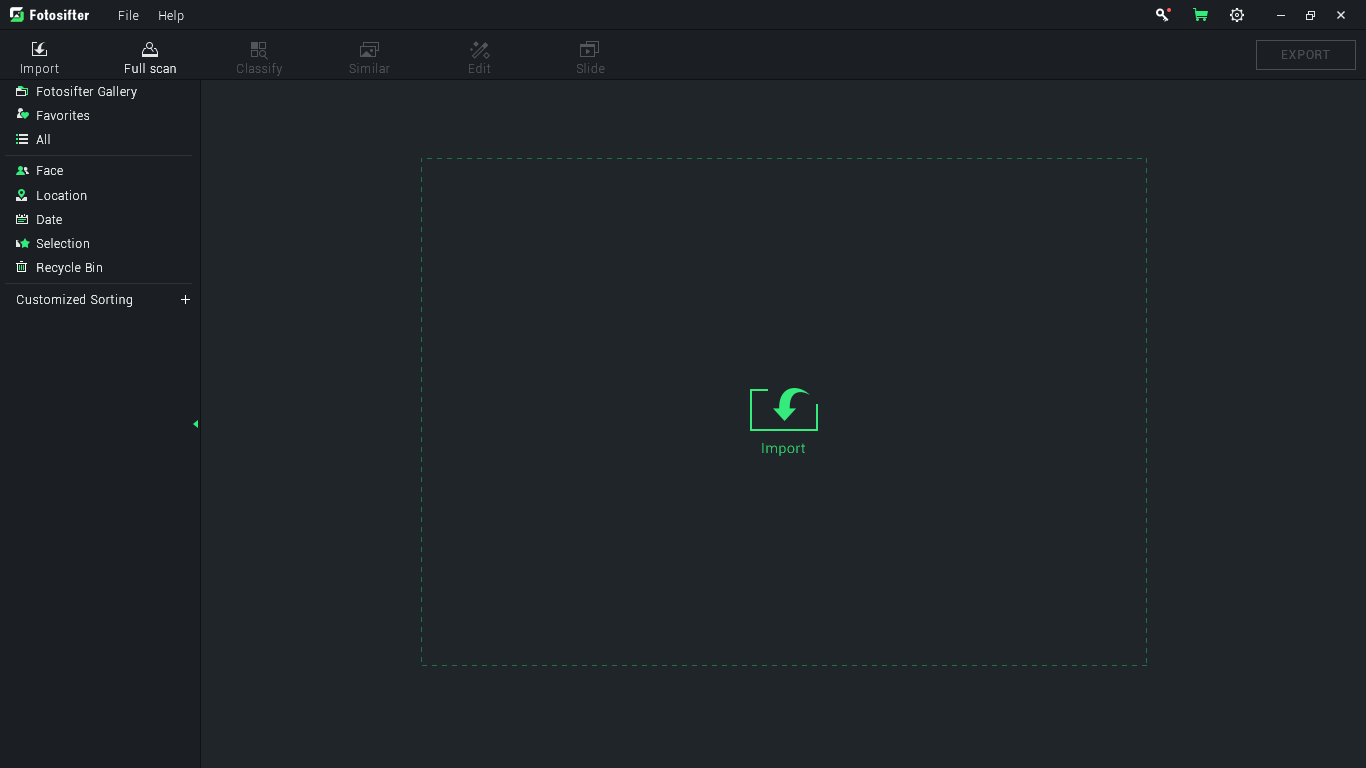
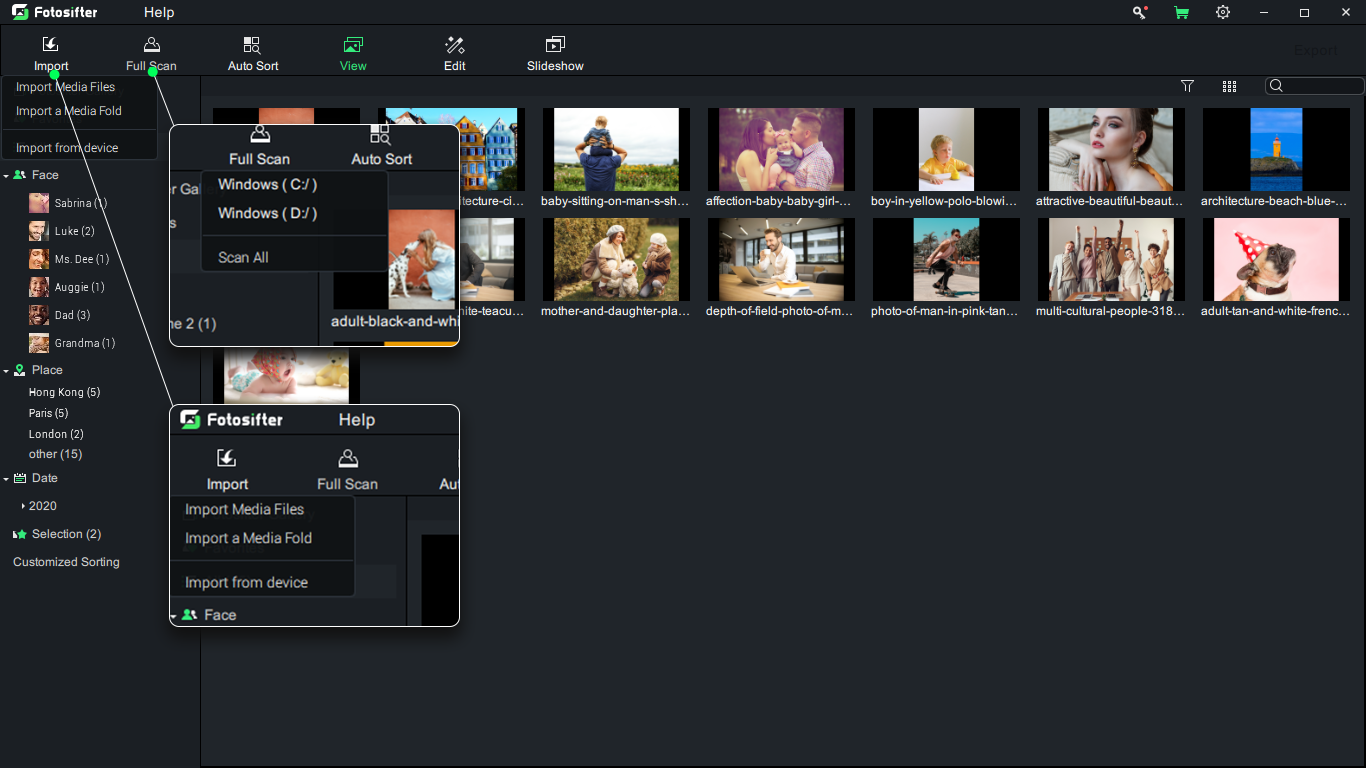
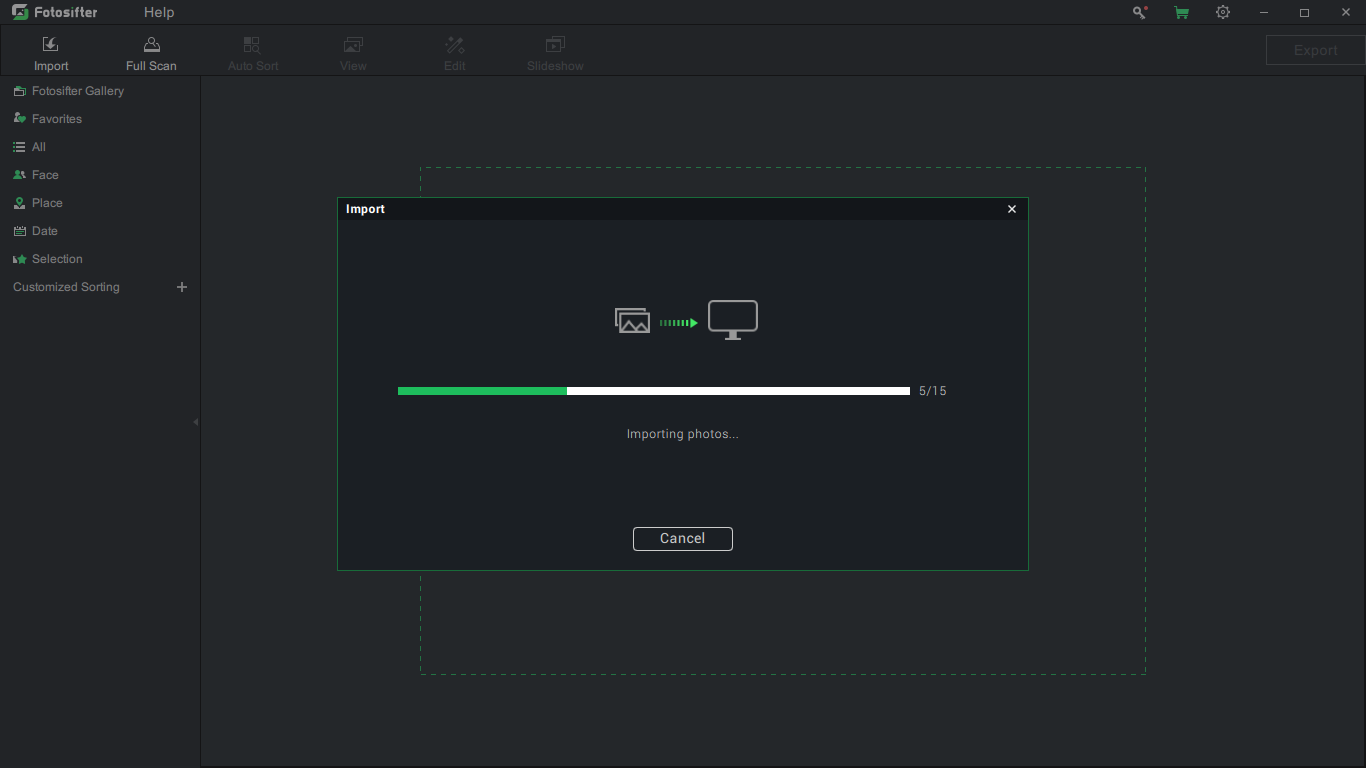
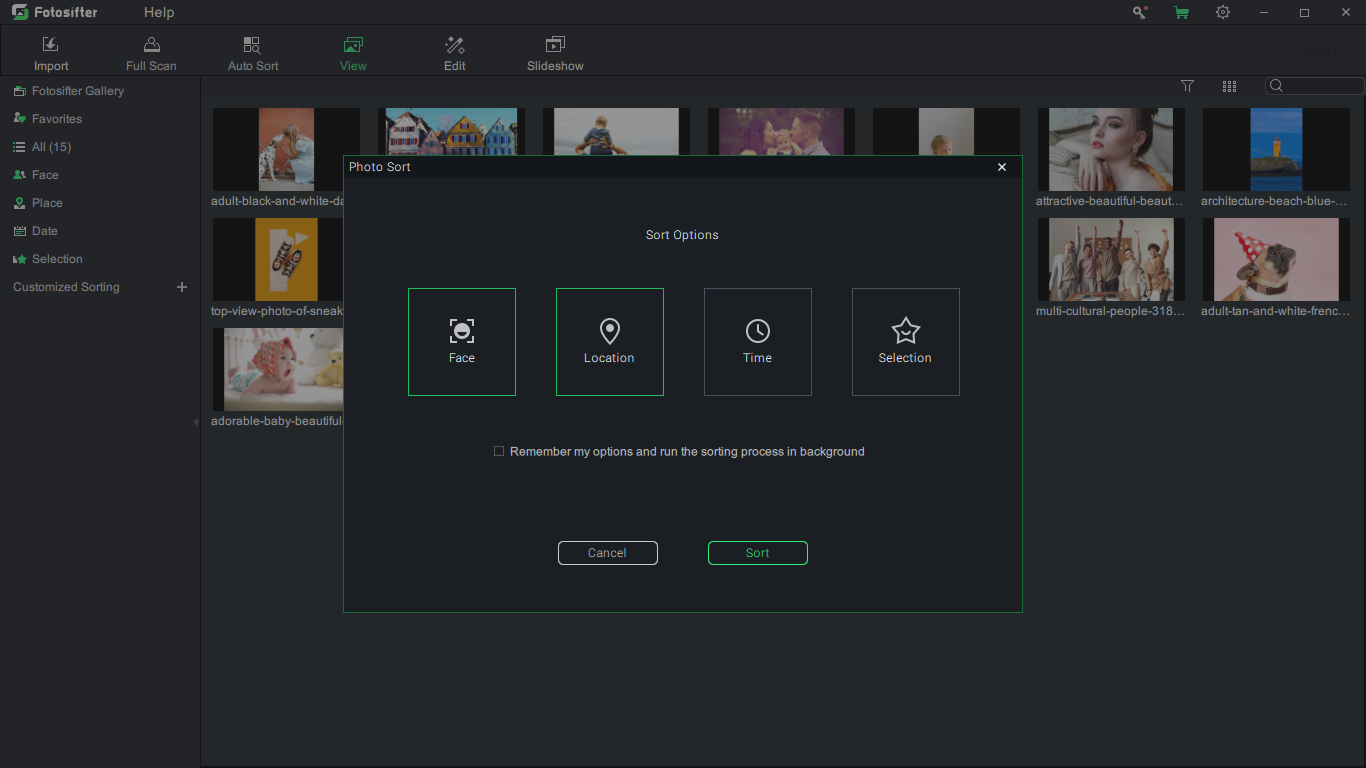
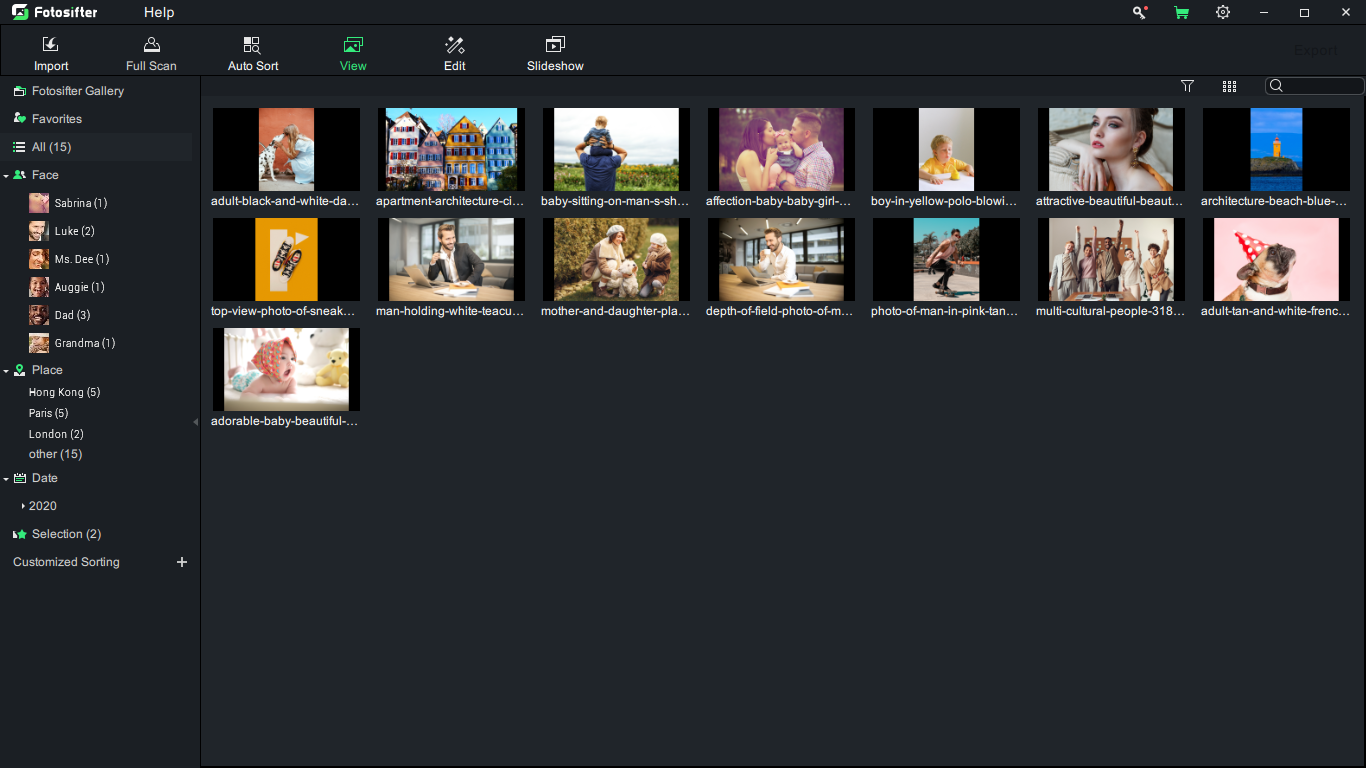
Cgaga Fotosifter is a professional and easy-to-use photo organizer as well as picture enhancer developed by Cgaga Software, which provides you with a total solution for mass photo management/sorting and picture enhancing through utilizing advanced algorithms as well as frontier techs including precise facial recognition, AI, and machine learning.
New features, as well as new assets, are constantly being added to Cgaga Fotosifter, with the current core eight functions being 1) one-click photo organizing, 2) customized sorting, 3) geotagging, 4) facial recognition, 5) picture editing and enhancing, 6) duplicates detection, 7) smart selection, 8) slideshow video making.
In a word, Cgaga Fotosifter is a family-friendly software and is a perfect choice for photography beginners and amateurs, working moms, office workers, travel lovers, teachers, students, etc. It comes extremely handy when you are in need of managing a huge amount of photos and images with extra demands such as picture editing, slideshow video making, and photo exporting.
System Requirements:
Windows 7/ 8/ 10
Publisher:
Cgaga SoftwareHomepage:
https://www.c-gaga.com/pages/fotosifter-photo-organizing-softwareFile Size:
2.0 MB
Licence details:
6 months
Price:
$18.49
GIVEAWAY download basket




Comments on Fotosifter 2.9.3
Please add a comment explaining the reason behind your vote.
iPhone app giveaways »





Android app giveaways »





Fotosifter had a good review on Softpedia.
Downloaded and installed easily, except would not install to the directory on my D: drive. Error message: Please install to an empty directory. The directory of choice was not empty because I had copied the downloaded GAOTD file to it. Moved the file to a different location, and it installed okay.
Problem: After inserting the email address and serial (from the GAOTD readme file) into the registration page, the "Activate" button would not light up, so I could not complete the registration.
Save | Cancel
It states the software is available for a time limited offer. Is that for one year? If so, what happens after the year is up?
Save | Cancel
I have been looking for something like this Google stopped their photo organiser.
Sadly it was not to be, as every time I try to install it it stops with the message "Cgaga fotosifter setup has stopped working"
Pity really as I would have liked to have tried it out.
Save | Cancel
Disappointed. I Downloaded and activated on Windows 10 with no problems but will uninstall due to several issues and a "showstopper."
Several issues:
1. Something wrong with the way the interface works. In full screen the mouse disappears. When the invisible mouse is moved over a link it slightly changes color so I was able to go to a window. Going to a window makes the mouse reappear. Not a showstopper, but frustrating.
2. Won't work with Network Attached Storage. It only allows photo input from drives directly connected to the computer. I found a work around by Mapping my Network drive to "Z" on the computer. Then I could import photos. Not a showstopper but a hassle.
3. The online manual is just basic; no details as to how to tag photos, etc. Frustrating.
4. The big issue is that this is supposed to allow easy tagging of photos to organize. I could NOT get this to work. I expected to see faces highlighted so I could insert names - not. There should be an easy way to select a photo and then enter the info - location, date, people, comments, etc. I couldn't find how to do this. By doing Auto Sort, it did find some faces and I could name them in some but not all photos. This is a SHOWSTOPPER - it defeats the major reason for using this software.
Save | Cancel
i like the design. Specially installation user interface looks very nice. It's not like boring template installer. I like it so far.
Save | Cancel
Hi,
Thank you for your free offer.
Am running Windows 10, 64 bit.
Thought i would try this out on a picture as it seemed like a program I would use quite often.
I had some trouble saving my work. It would not export and there was no way to save my progress. There was also no way I could find to exit the program, which meant I had to use Task Manager, so I lost everything.
I have submitted a report to Cgaga and awaiting a reply.
Have a good day, keep safe and covid-free :)
Save | Cancel