Every day we offer FREE licensed software you’d have to buy otherwise.
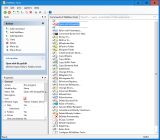
Giveaway of the day — FileMenu Tools 7.6.2
FileMenu Tools 7.6.2 was available as a giveaway on April 20, 2019!

FileMenu Tools is an application which lets you customize the context menu of Windows Explorer. The application adds built-in utilities to perform several operations on files and folders and adds custom commands which let you run external applications, copy/move to a specific folder or delete specific file types. With FileMenu Tools, you also can customize the "Send to..." submenu, and either enable or disable context-menu commands added by other applications.
System Requirements:
Windows Vista/ 7/ 8/ 8.1/ 10
Publisher:
LopeSoftHomepage:
https://www.lopesoft.com/index.php/en/products/filemenutoolsFile Size:
23.6 MB
Price:
$11.20
Featured titles by LopeSoft
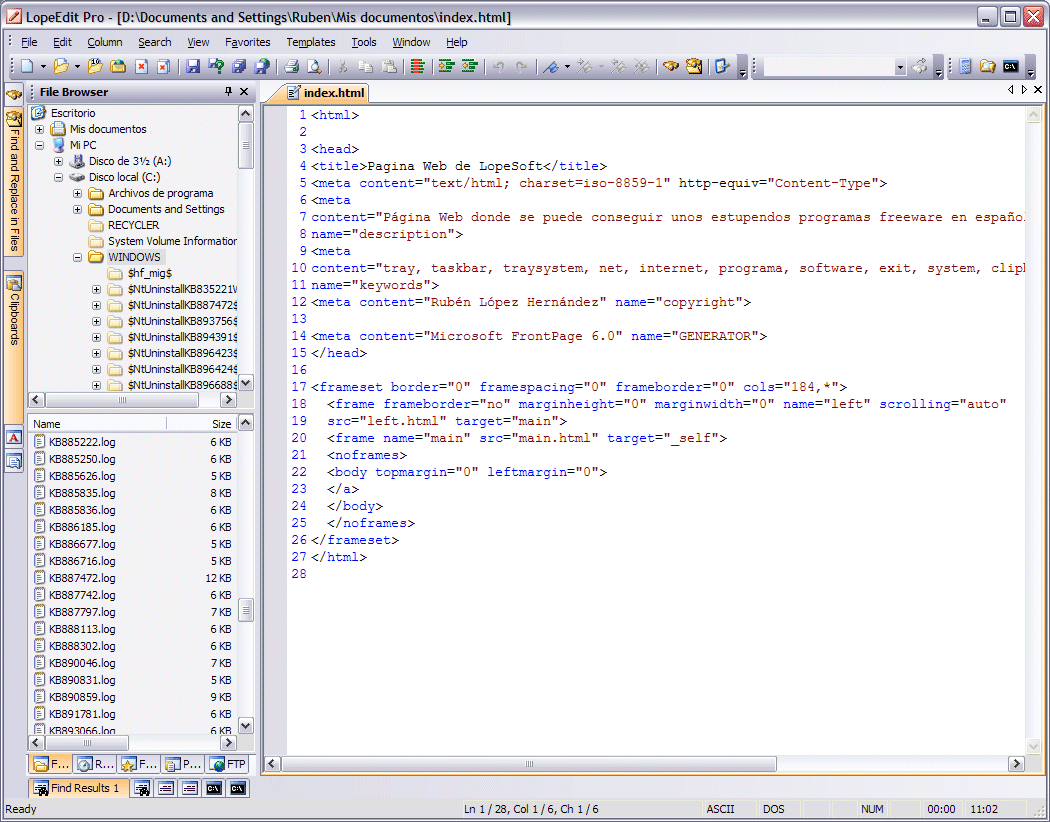
LopeEdit is a powerful programmer's editor and a replacement of Windows Notepad. It has tabs to select between open files, supports syntax highlighting of multiple programing languages (C/C++, Java, JavaScript, Visual Basic, VBScript, XML, HTML, ASP, JSP, SQL, Cobol, C#, CSS, Pascal, Perl, PHP), incorporates built-in hexadecimal editor, some util docking windows (File Browser, FTP Browser, Favorites, Projects Manager, Multiple Clipboards, Code Templates Manager, ASCII Table, MS-DOS console), and more.

Do you want to have complete control of your personal finances? With Evermoney you can track and manage your incomes and expenses, and so you can control how much you spend on each thing. You just need to add the transactions of incomes and expenses, and let the application do the rest. You can do manage your bank accounts, make advanced searches, and get reports and statistics at any time interval.
GIVEAWAY download basket




Comments on FileMenu Tools 7.6.2
Please add a comment explaining the reason behind your vote.

iPhone app giveaways »





Android app giveaways »





Pretty sure 4 days after installing Filemenu tools, it just removed my windows File Explorer icon from the task bar.
Not happy about that.
Save | Cancel
Good to see a dev giving both installable and portable options.
The problem with this (and every other context menu editor, including Easy Context Menu) is that is fails to display the existing context menu in in order to edit to satisfaction.
There are so many options that I see in mine that this software fails to see.
Of course, dependent on the type of file that you choose, a context menu will differ, so this would make any editor potentially difficult but until what you already have can be shown, then such software will have only limited use and appeal.
Save | Cancel
PhilS,
i agree, that would seem to be an obvious addition to this offering.
I dont see it as a deal breaker personally as I can change the right click menu in other ways but you are right in saying that a context menu editor would be an obvious inclusion.
Just to show my ignorance here, is the benefit of a portable version just simply the fact that it enables one to plug in flash card to a mates PC/Lappy and use the modified context menu as if it were installed - while flash card is plugged in only?
Save | Cancel
I have been using this for years and gladly paid. A great tool.
Save | Cancel
If anyone is thinking that FileMenu is free (it is) ... well on the website one can read about the PAID version (which presumably this is) :
Purchase a license of FileMenu Tools and the following features will be unlocked:
Custom commands.
Unlimited number of files/folders. Free license only lets you use the context menu commands with up 20 files/folders.
By purchasing a license, you will gain the right to use all future releases free of charge. [So if the GOTD version is ever updated, the valuable additional features will be lost]
Save | Cancel
Ian, when I entered the registration key it reverted to the Full license.
Save | Cancel
Always free...
Easy Context Menu
Save | Cancel
Col Spontz, , Easy Context Menu looks great (thanks for the link) , but it is in no way a substitute for FileMenu Tools which IMO is about the options that FileMenu Tools offers me that I would otherwise not have at a right click.
You can read about it here : https://www.lopesoft.com/index.php/en/filemenutools
(I am not associated with developer I have just been using the tool a long time and found it useful)
Save | Cancel